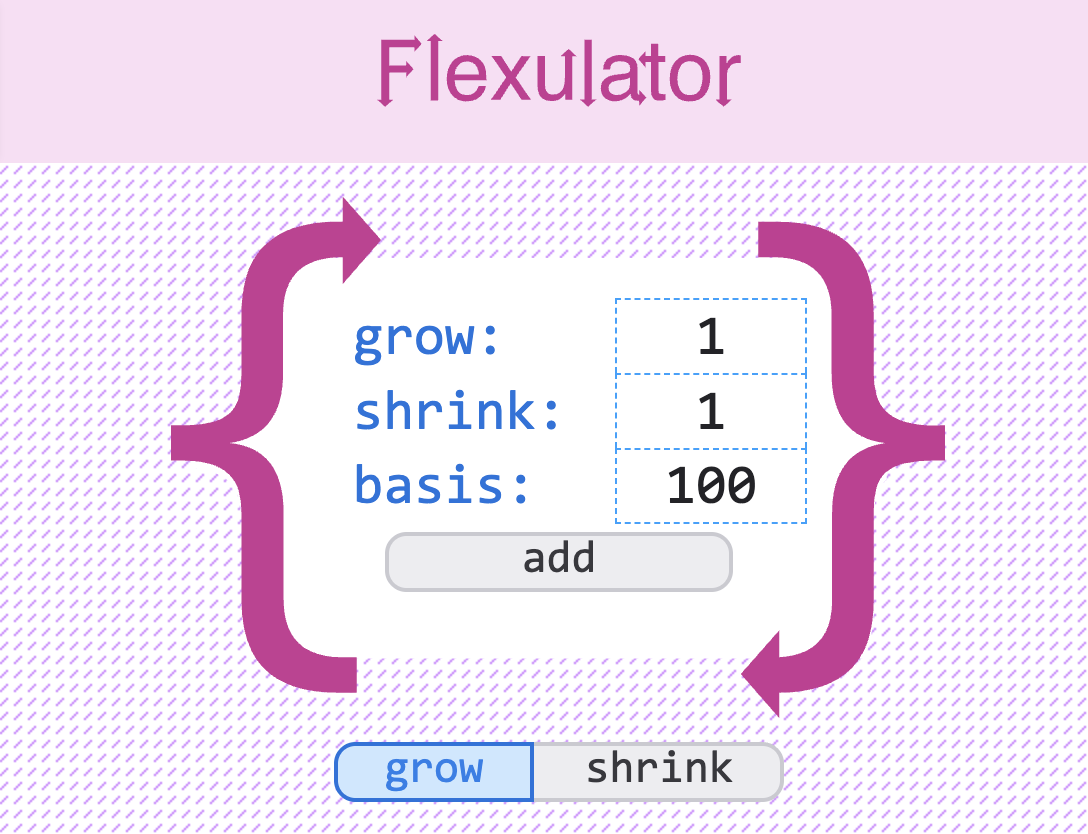
I’ve done two refactorings on Flexulator in the past. And now it’s time for a third and final update. The main drive was to improve the codebase architecture but I saw lots of small UI refinements that would update the feel and look. The design comes from the Firefox Flexbox layout inspector tool.
Code improvements:
- Refactor code structure
- Grid alignment for the input fields and calculation formulas
- More animations and improve the existing ones
- Popover API for showing the calculation operations for each formula step
- Smooth number updates using NumberFlow for numbers
- UI alignments and improve visual states
- Accessibility and semantic markup basics, add tab jumps to form input
Code Refactoring
The biggest problems with the javascript card was overly coupled functions, the use of a god object for tracking the calculations, and managing state from multiple functions and the DOM which could diverge with “off by 1px” differences. In some edge cases, the calculations on the UI would drift from the actual measurements.
I first thought an observer pattern would work. On every viewport resize, or flex-item value change, we could call a notify function that would update the DOM fields via some state object for each flex-item. This pattern would still lead to state drift, it would update just itself and not the other objects. We needed to follow a unidirectional flow. Observer could be used to update our flex-items but it wouldn’t solve our state issues.
The best approach is a state object that tracks each flex-item’s values. UI updates would patch the state and schedule a render using requestAnimationFrame to write the UI. The ResizeObserver would track the viewport width and call the render method when the width changes. I needed to organize the function flow to build the snapshot, update the UI and handle add/removing new flex-item cards.
Instead of calling update functions in three different places for inputs, resize and the add/remove form, a scheduleRender function will start the update within a requestAnimationFrame. This can be called from other objects or events that make updates.
| Module | Job |
|---|---|
main.js | The only state: container width and the Flex Item list { id, grow, shrink, basis }. Listeners and demos patch that list and schedule one render. |
calculate.js | Pure math. calculateFlexValues(width, items) returns a snapshot and never touches the DOM. calculate.test.js checks it in Node. |
render.js | The only paint path: calculate, sync cards by id, apply flex, then paint on the next frame. |
item-controls.js | Reads a click or keystroke and returns the state change. It does not paint. |
number-flow.js | Rolls the read-only numbers during paint. |
formula-demos.js | Formula tabs. A tab change tells Main to render again. |
utils.js | Shared number parsing. |
Replacing individual listeners for each input to use event delegation and implementing modules for core features for the number-flow animations, item-controls for card functionality, and formula-demos helped to formalize the spaghetti code.
AI Coding
Overall, the process of refactoring was done with these skills. Unlike previous revisions, this one will use LLM harness workflows using ai-hero skills to systematically improve the codebase architecture, write tests and fix the UI.
/grill-with-docscreates aCONTEXT.mdwith a shared glossary of terms/improve-codebase-architecturereviews the code for shallow and deep modules/to-prdcreates a projects requirement document based on a chat discussion/to-issuescreates issues in github for AFK queue based workflows/interface-craftJosh Pucket skill for analysing the interface/better-interfaceJakub Krehel skill for a general interface audit
The CONTEXT.md defines a shared language for the project so that concepts and objects have a defined meaning the code and UI.
I used the /grill-with-docs for developing PRD’s for the animation changes, the popover API, implementing the NumberFlow library and refactoring the CSS to use CSS @layers and creating primitive, semantic and component based tokens.
Interface & Animations
Running the basic interface skills revealed lots of minor alignments and improvements.
Colors and Functions
Colors should reinforce the function of the type: black is number calculations, blue/magenta would be the labels.
Popover API
Instead of having to scroll back and forth, I added some popovers for each formula line to break down the math right over the flex-item.
Grid Alignment
There was lots of little layout inconsistencies:
- input widths
- flex calculations between shrink and grow were not aligned which was apparent after adding animations
- input fields text was not centered in the input
- the remove button would jump with less content above it
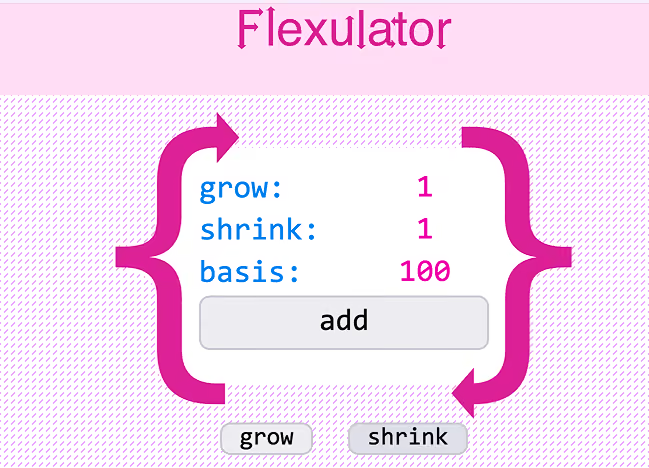
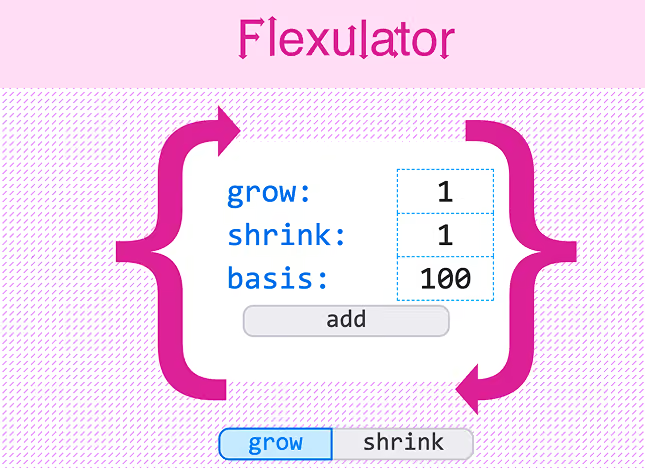
Improved animations
Seeing the numbers change responsively to resize, input and form events added some zazz to the design. Improving the add/remove animation uses a staggered grouping fadein for a smoother feel.